
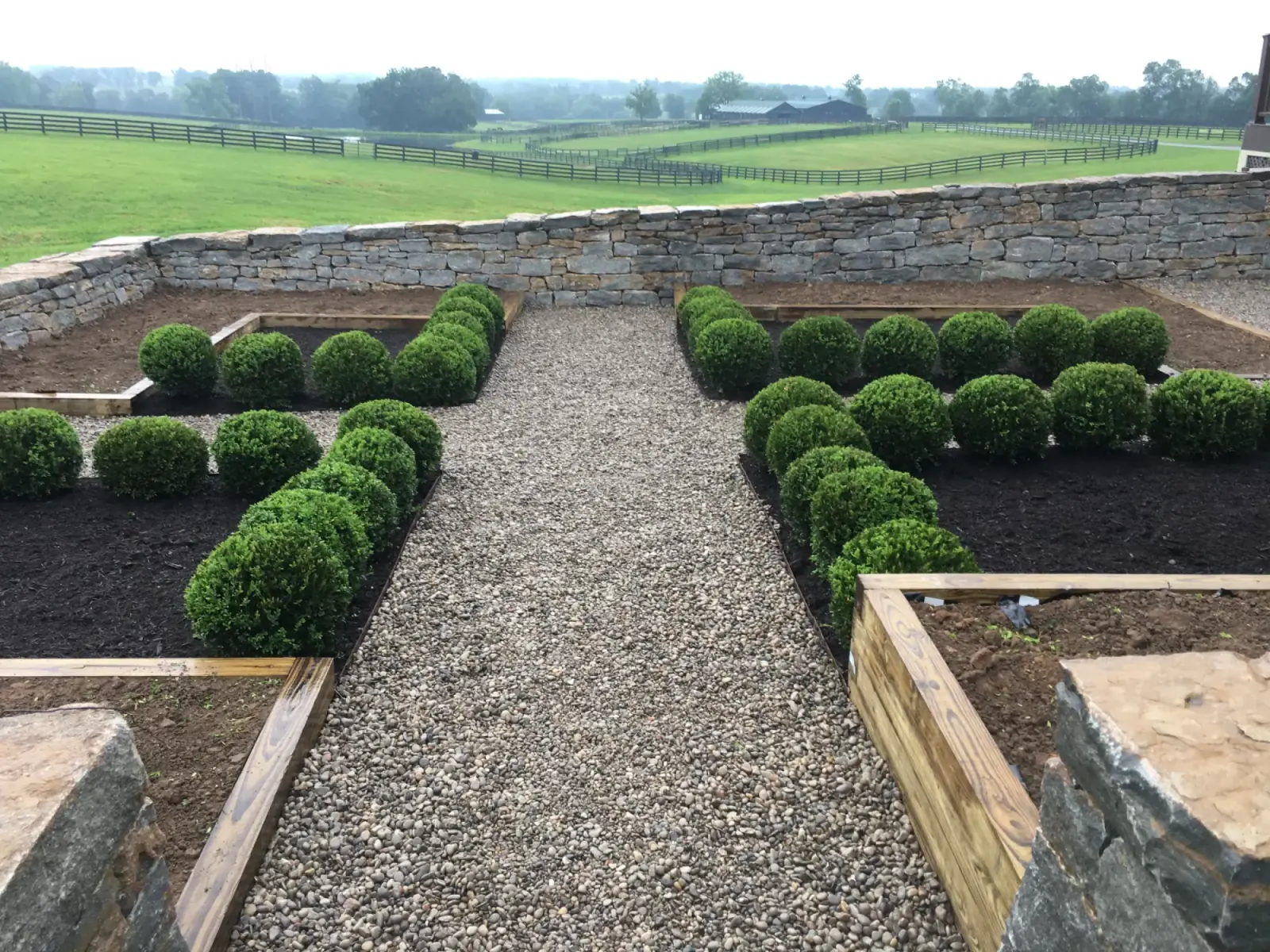
Free AI Landscape Design Tools: How to Use Them Before a Real Outdoor Plan
A practical homeowner guide to using free AI landscape design tools, landscape design apps, and free software without mistaking a quick concept image for an install-ready plan.
QUICK ANSWER
Free AI landscape design tools are useful for idea generation, not final installation planning.
Use free tools to test curb appeal styles, patio locations, plant massing, and color direction. Before installing anything, confirm site conditions, mature sizes, drainage, grade, sun and shade, and whether the concept can actually be maintained.
- AI images often ignore mature plant spacing and local site conditions.
- Free landscape design apps can help compare ideas before a consultation.
- Professional planning is still needed when layout, drainage, materials, or installation scope must be accurate.
Use Free AI Design Tools for Ideas, Then Verify the Site
Free AI landscape design tools can help you explore style, layout direction, and plant inspiration. Before anyone prices installation, the concept still needs to be checked against grade, drainage, mature plant size, sun exposure, utilities, access, and maintenance goals.
Best for
Homeowners collecting visual ideas before a consultation, plant selection, or front-yard redesign.
Primary handoff
Landscape design when the AI concept needs to become a practical plan.
Guardrail
A generated image is inspiration, not a build plan, planting plan, drainage plan, or material takeoff.
THE SHORT VERSION
- Use AI landscape design free tools to narrow the look you like before paying for planning or installation.
- Do not treat a pretty concept as a material list, grading plan, or plant spacing plan.
- Bring the best concept images, photos, and goals into a consultation so the plan can be grounded in the real yard.
TOOL FIT
What free AI tools can and cannot do
Good use
Explore style, mood, color, planting density, and broad layout direction before choosing a path.
- •Curb appeal ideas
- •Before-and-after concepts
- •Material inspiration
- •Conversation starter
Weak use
Trusting the output as a buildable drawing or plant schedule without site verification.
- •Wrong mature sizes
- •Unrealistic spacing
- •No grade check
- •No drainage proof
Best handoff
Use the strongest concept to guide a practical design conversation.
- •Real photos
- •Site constraints
- •Budget priorities
- •Installation scope
EVALUATION
Features to look for in free landscape design software
- Photo upload
Tools that use your actual yard photo are more useful than generic blank-canvas designs.
A real front elevation helps test curb appeal ideas against the house.
- Editable layout
Being able to move beds, paths, patios, and plant masses is better than one fixed image.
You may like the style but need a different walkway or bed edge.
- Plant realism
The tool should let you question mature size, zone fit, and sun or shade needs.
A shrub that looks good in an AI image may outgrow the window.
- Export or notes
A saved image, sketch, or list helps a designer understand what you liked.
Bring two or three strongest options instead of twenty unrelated screenshots.
HANDOFF
When a free AI concept needs professional design help
If
You only need ideas for style, color, and general direction.
Then
Use free AI tools to collect examples and narrow the look you prefer.
IDEA STAGE
The tool is useful before scope is defined.
Read front-yard ideasIf
You need plant choices, spacing, or a layout that can be installed.
Then
Move into landscape design before requesting installation pricing.
PLAN FIRST
Install-ready work needs local site fit and practical scope.
See landscape designIf
The concept includes a patio, wall, slope, or drainage change.
Then
Verify hardscape, grading, and drainage before treating the concept as possible.
SITE CHECK
AI tools do not reliably solve drainage, grade, or structural requirements.
See drainageCONSULTATION READY
What to bring from a free AI landscape design session
Two or three favorite concepts
Pick the strongest directions instead of every generated option.
Photos of the real yard
Show the front, sides, problem spots, grade, and nearby structures.
What you liked
Name the layout, plant look, colors, privacy, path, or patio idea that stood out.
What must stay
Mention existing trees, shrubs, utilities, fences, patios, or features to keep.
Maintenance expectations
Say whether you want low maintenance, seasonal color, privacy, or a more formal look.
Related Proof for Turning AI Concepts Into Real Plans
Use these pages when a free concept needs to become design, planting, or a practical front-yard plan.

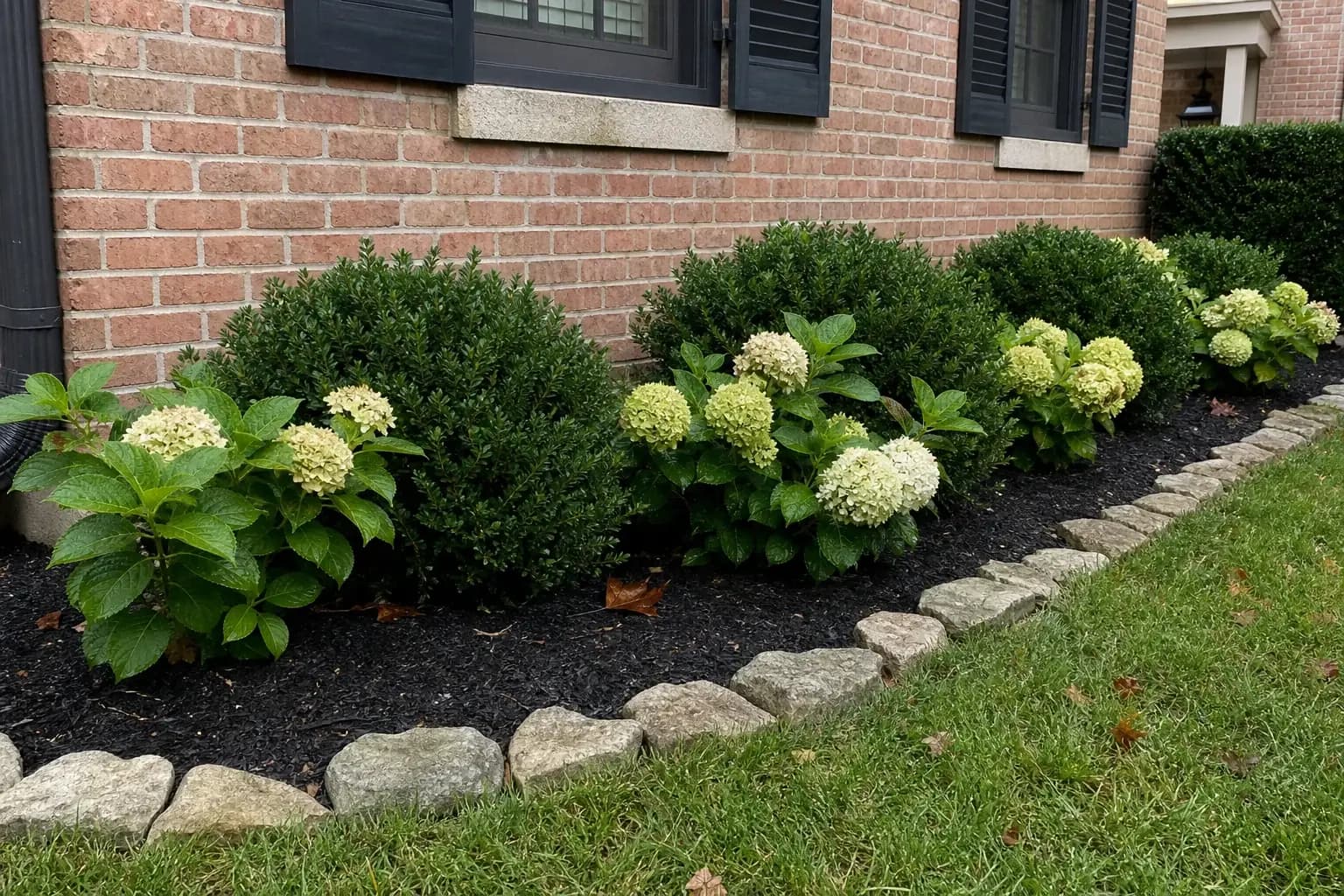
Continue From AI Inspiration to a Practical Plan
Use these pages once the free concept helps you decide whether you need design, planting, or more idea research.
Free AI Landscape Design FAQs
Short answers for homeowners using free AI tools before a real landscape project.
Can free AI landscape design tools replace a designer?
They can help with inspiration, but they do not reliably verify mature plant size, grade, drainage, soil, utilities, access, or maintenance fit. Those details still need practical planning.
What is the best way to use a free landscape design app?
Use it to compare styles and communicate what you like. Save the strongest concepts, then check them against the real site before installation.
Can I install directly from an AI-generated image?
Not safely. Treat the image as a starting point, then confirm plant choices, spacing, materials, drainage, and scope before buying or installing anything.
Still have questions? We're happy to walk through your project.
Have an AI landscape concept that needs a reality check?
Send the concept image, current yard photos, goals, and any site concerns so Orlando's can confirm whether design, planting, drainage, or installation is the right next step.